
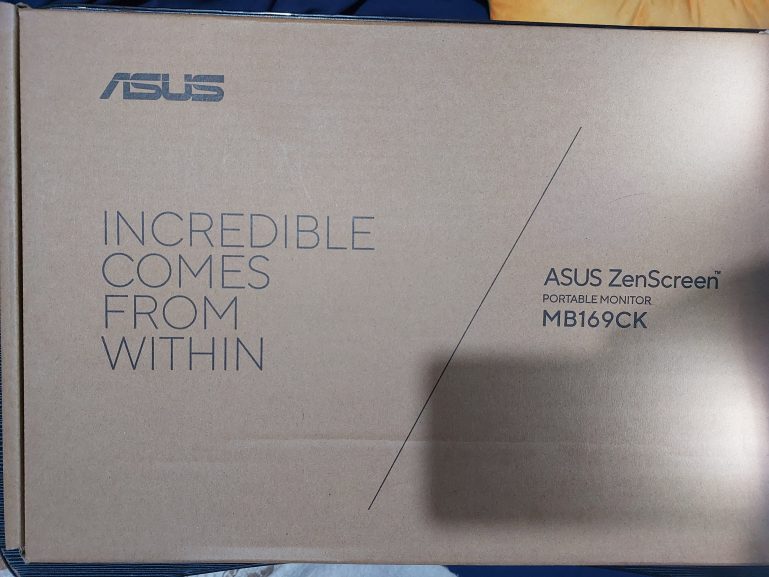
I won an ASUS Zenscreen MB169CK portable monitor at the ASUS ExpertBook Ultra regional launch here in Davao City last September 11 at Dusit Thani Hotel. And I want to say upfront that this was one of those raffle wins where the universe genuinely knew what it was doing.
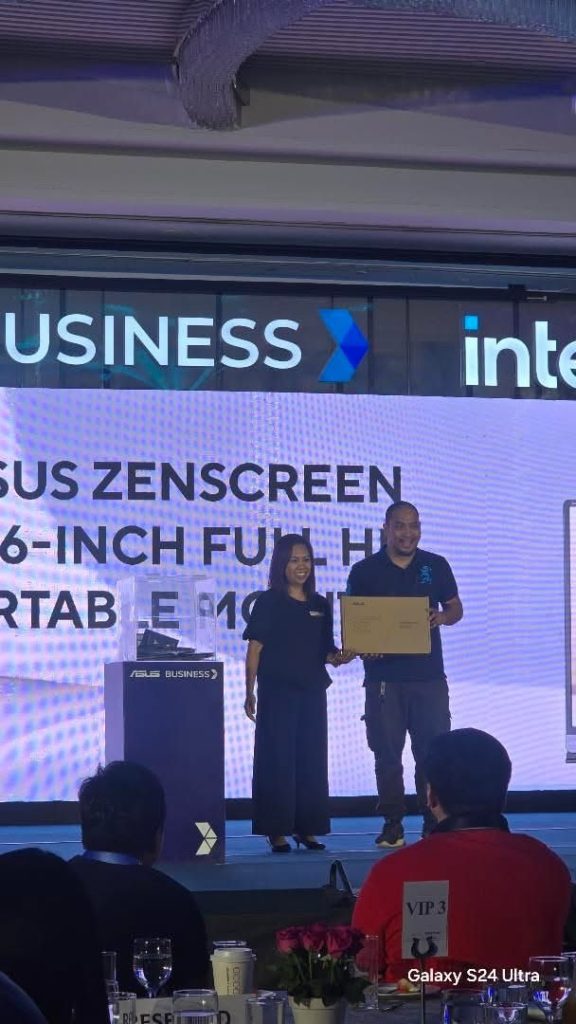
I think it’s been 2 or more years now that I’ve been eyeing portable monitors on Shopee to increase my productivity. You see, I don’t really like to be stuck to one corner when I work. I like having the ability to move around freely.
I just didn’t buy one yet.
And it looks like God heard my prayers.
Why I Needed This
I don’t buy things just because I fancy buying them. In fact, I have been accused of being stingy when it comes to buying tings for my own. Even if there’s a valid reason to buy the things I want to buy.
I would rather buy things for my wife or my son.
Now in Davao, the heat is… oppressive.
And not all homes are fully air-conditioned.
In our case, the living room where I work at night as an SEO Specialist can get uncomfortably warm during the day. Up until recently, I could work comfortably even in the afternoon but something’s up with the recent weather that it gets extremely warm in the afternoon.
And I wish I could move my entire workstation to the bedroom but then that would make sleeping uncomfortable for my wife and son when I’m working.
Working with just my laptop alone is no longer something I want to do because Zywave has spoiled me with not one but two massive monitors from which to view the things on my screen comfortably.
Moving my massive monitors every afternoon to the room and out by night isn’t a good solution either. Hence the reason why I was window shopping for portable monitors.
moved, I was back to working on just my laptop screen alone. And after Zywave completely spoiled me with not one but two large external monitors for remote work… going back to a single screen felt like working with one eye closed.
The ZenScreen MB169CK solved that entirely.
Now I pick up my laptop, tuck the ZenScreen under my arm, and set up dual screens anywhere in the house.
One USB-C cable. Done.
No external power brick needed if my laptop supports DP Alt mode through USB-C, which mine does.
It’s definitely plug and play and it works every single time.
Display
The ZenScreen MB169CK features a sharp display with its 15.6-inch Full HD IPS panel with a native resolution of 1920 x 1080, a 16:9 aspect ratio, a 178-degree horizontal and vertical viewing angle, 250 nits brightness, an 800:1 contrast ratio, and a 5ms GtG response time at 60Hz.
I believe the surface is what you’d call anti-glare which matters a lot when you’re moving between different lighting conditions around the house.
The IPS panel means colors look consistent whether I’m looking at it straight on or from an angle, which is useful when I’m working in a spot where the monitor isn’t perfectly aligned to my eye level.
ASUS Eye Care features are baked in, specifically TÜV Rheinland-certified Flicker-free technology and Low Blue Light filtering.
I work long hours…
Anything that reduces eyestrain during extended sessions is not a small thing for me.
The 360-degree detachable kickstand handles portrait or landscape orientation easily, and there’s even a built-in 1/4″-20 tripod socket on the rear if you want to mount it properly. I’ve just been using the kickstand and it holds firm without wobbling.
Connectivity
Dual USB-C ports supporting DP Alt mode plus one mini-HDMI port. A 3.5mm headphone jack is also included. The USB-C setup means a single cable handles both video signal and power delivery from my laptop simultaneously, which keeps the desk area clean and tangle-free.
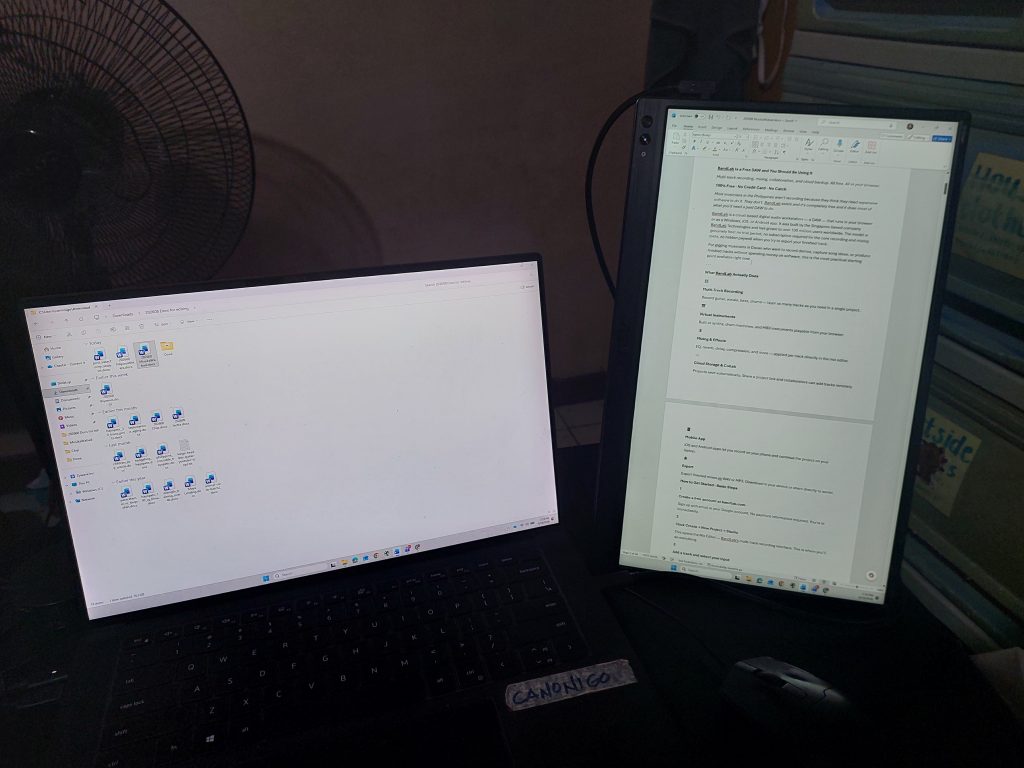
Auto-rotate is supported through ASUS DisplayWidget Center software, which senses the monitor’s orientation and switches between landscape and portrait mode automatically.
My productivity has definitely gone up since I started using this regularly because I can now work comfortably wherever I need to be in the house, with the dual-screen setup I’ve become dependent on, without dragging heavy equipment around.
The ZenScreen weighs 780 grams without the stand and 858 grams with it. That’s lighter than most water bottles I carry. It fits in a sleeve, slides into my bag, and goes wherever I go.
For a freelance SEO Specialist, writer and blogger managing multiple sites… that kind of portability with a screen this good is a godsend.
ASUS ZenScreen MB169CK Full Specs
| Spec | Detail |
| Panel size | 15.6 inches (viewable) |
| Resolution | 1920 x 1080 Full HD |
| Panel type | IPS |
| Aspect ratio | 16:9 |
| Refresh rate | 60Hz |
| Response time | 5ms (GtG) |
| Brightness | 250 cd/m² |
| Contrast ratio | 800:1 |
| Viewing angle | 178° / 178° (H/V) |
| Surface | Anti-glare |
| Color support | 262,000 colors |
| Eye care | TÜV Rheinland Flicker-free + Low Blue Light |
| Connectivity | Dual USB-C (DP Alt mode) + Mini HDMI |
| Audio out | 3.5mm headphone jack |
| Stand | 360° detachable kickstand |
| Tripod socket | Built-in 1/4″-20 thread (rear) |
| Auto-rotate | Yes, via DisplayWidget Center software |
| Weight (no stand) | 780g |
| Weight (with stand) | 858g |
| In the box | ZenScreen sleeve, USB-C cable, Mini HDMI to HDMI cable, 360° kickstand, Quick start guide, Warranty card |
Winning this at a raffle still feels a little unreal. But every time I set it up in a cooler corner of the house and get back to writing with two screens… I’m very grateful it happened.