

September 11, 2026 – ASUS ExpertBook Ultra Regional Launch – Dusit Thani Hotel, Davao City

I’ve been an ASUS user since 2007 if I remember correctly… and the first ASUS product I bought with my own money was the ASUS Eee PC.
The original netbook.
Everyone made fun of it because of how small it was.
The bezels were too big. The screen was too small. And I couldn’t join my friends when they played DOTA because my “laptop” couldn’t handle it.
Everyone laughed at it.
I didn’t care.
That little laptop was how I started blogging.
It went everywhere with me.
It ran slowly, it heated up, the battery wasn’t great… but it was mine and it worked and it gave me my start as a blogger.
I didn’t know then that two decades later, I’d be attending an event unveiling the ASUS ExpertBook Ultra and it’d make my jaw drop all over again.
Just when you thought everything possible that could be done to improve the laptop was done and here comes the ASUS ExpertBook Ultra.
For as long as I can remember buying and using laptops, there has always been a trade-off.
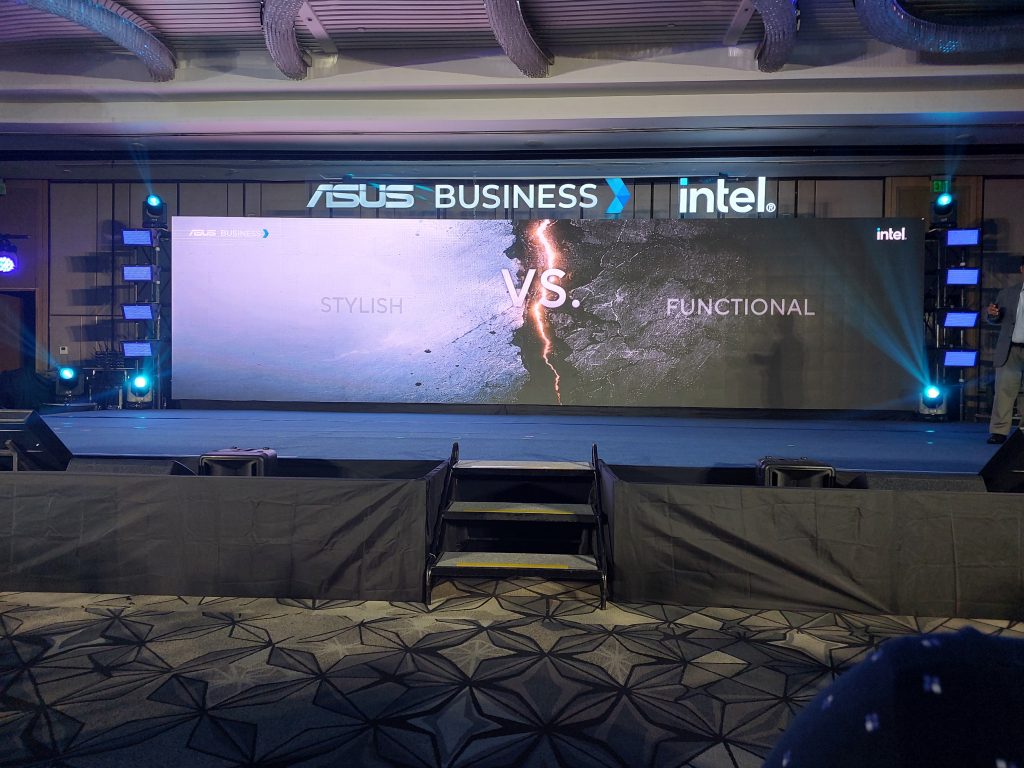
- You want your laptop to have extreme, raw power? Fine, but you carry the equivalent of a ton of bricks.
- You want something rugged? Here’s a laptop the size of a suitcase.
- You want something light and portable? Okay, but don’t expect much from it.
One thing always had to give.
Not with the ExpertBook Ultra. This is the first laptop I’ve seen in a long time that genuinely refuses to make that trade-off.
ASUS ExpertBook Ultra: The Main Event
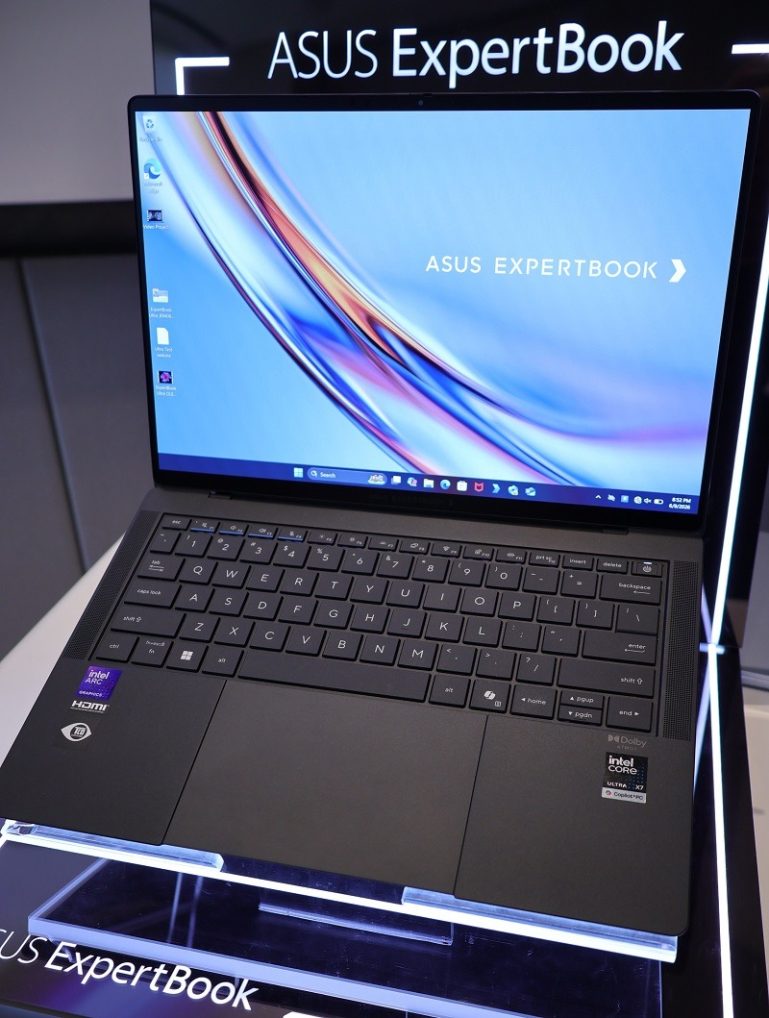
The ASUS ExpertBook Ultra is the new flagship and pinnacle of the ExpertBook portfolio, engineered to define the future of mobile computing in the era of AI. It combines refined craftsmanship, powerful AI-accelerated performance, and enterprise-grade security in an ultralight form factor.
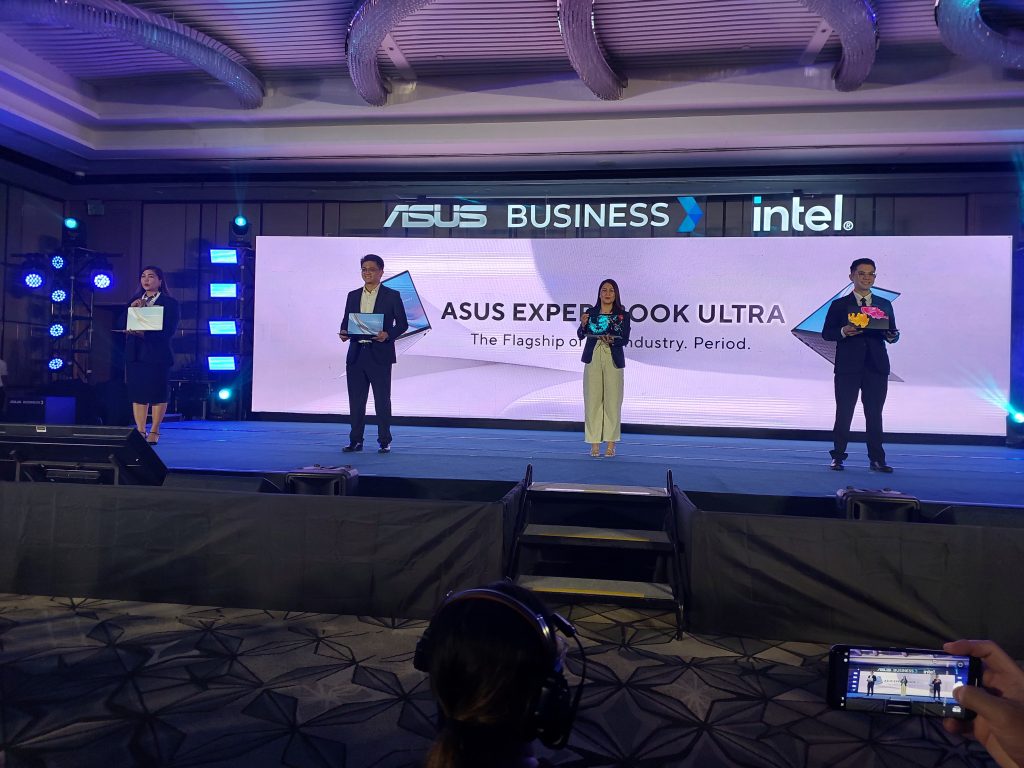
Starting at just 0.99kg and measuring only 10.9mm thin, the ExpertBook Ultra is available in Jet Fog and Morn Grey finishes. In honor of my long-retired ASUS EEE PC, I think I’m gonna go get myself a Morn Grey ASUS ExpertBook Ultra. Hehehe
Although, I do like the Jet Fog one too…
It’s not flashy, it’s quiet, looks serious and dare I say, elegant looking?
Anyhoo, as the presenter listed the features of the device, my jaw kept hitting the ground multiple times.
I mean, how? How can you cram all those features in and yet still have a devce as beautiful as that?
The chassis is precision CNC-crafted using magnesium-aluminum alloy finished with Nano Ceramic Technology, delivering exceptional rigidity and a refined aesthetic without adding extra weight. The result is a laptop that feels premium in the hand without feeling like it’s going to snap or dent the moment you toss it in a bag.
Under the hood, configurations include the Intel Core Ultra X7 358H processor with 32GB of RAM and a 1TB SSD, alongside a detailed 14-inch 3K 120Hz tandem OLED screen and a 70Wh battery.
Powered by up to an Intel Core Ultra X9 Series 3 processor with Intel Arc Pro graphics and Intel vPro, it harnesses AI acceleration to achieve next-level performance enabled by ExpertCool Pro thermal mastery with up to 50W TDP.
For AI productivity, the ExpertBook Ultra includes the ASUS MyExpert unified AI platform for smarter collaboration and streamlined workflows, and for security it features ASUS ExpertGuardian with PQC and NIST SP800-193 compliance, delivering layered firmware protection for business continuity.
Not only that… but the keyboard also features a special anti-wear coating that maintains a consistent texture, is spill-resistant, and offers 1.5mm key travel for a comfortable and responsive typing feel.
Looks like this’ll be a joy to type on. Productivity increase here we come.
Oh and there are dedicated meeting control keys like volume and mute which are highlighted for usability during calls.
Connectivity includes two full-function Thunderbolt 4 Type-C ports, with one located on each side for additional convenience, and a 70Wh long-lasting battery to support uninterrupted productivity throughout the workday and beyond.
So, no more dongles.
I hate dongles.
More?
It comes with a 14-inch 3K tandem OLED touchscreen with Corning Gorilla Glass, six-speaker Dolby Atmos audio, and a premium haptic touchpad.
I’ve used a lot of laptop screens.
This one is in a different category.
And then there’s the sustainability angle.
The ExpertBook Ultra incorporates up to 90% recycled magnesium-aluminum alloy, 30 to 35% recycled plastics, and 100% recycled rare-earth magnet elements, underscoring ASUS’s dedication to reducing environmental impact while maintaining premium quality and performance.
A powerhouse that’s also a beauty to behold. And with a lesser carbon footprint. And all in a slim package. And something that you can take with you to the ends of the earth and survive.
gahhh
That’s a rare combination.
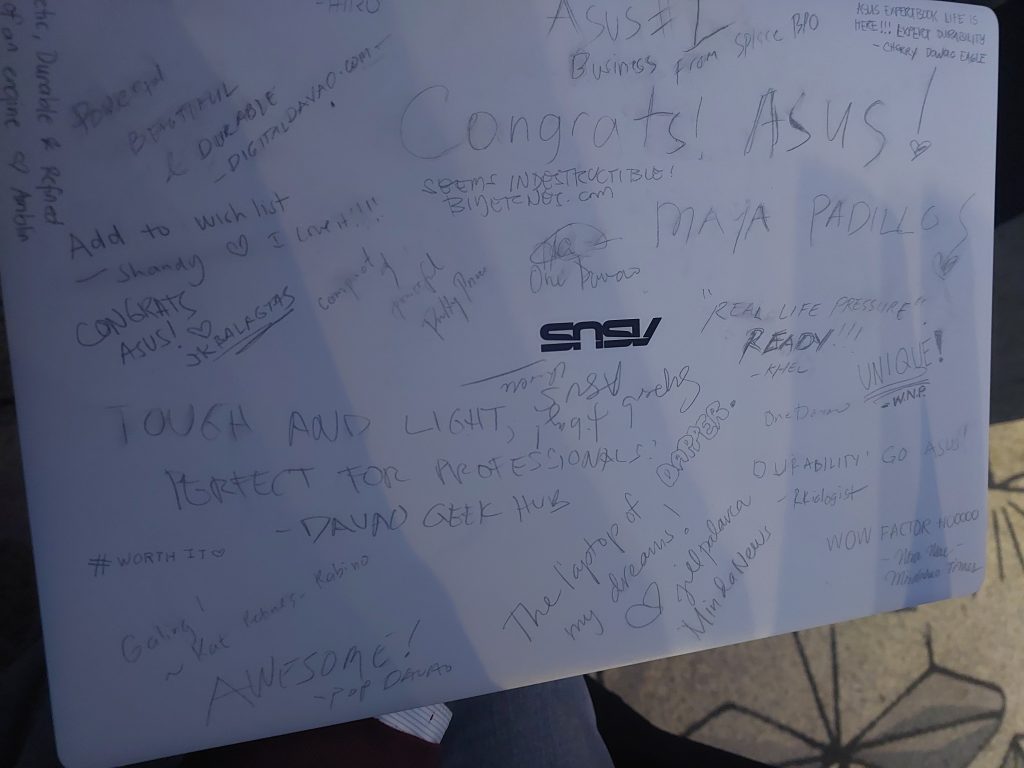
Santa please be generous this year!
The Medical Grade Monitors: For My Wife’s Workplace
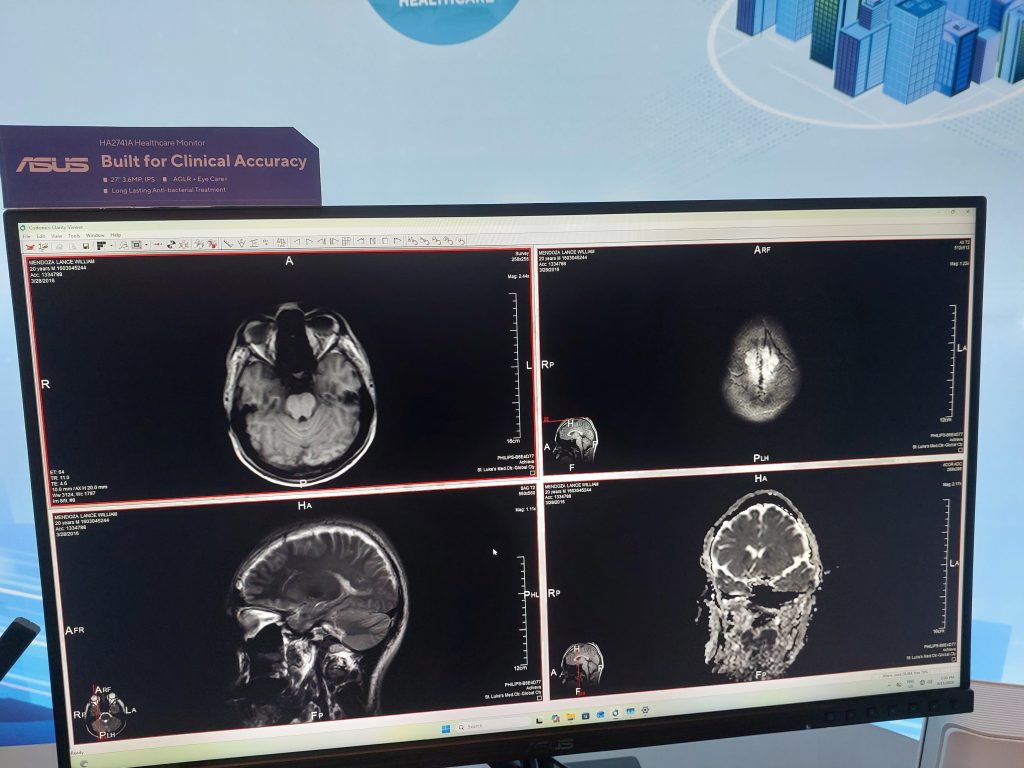
I wasn’t just looking at laptops at the event.
There were monitors on display that genuinely stopped me in my tracks, specifically the medical grade monitors that I immediately thought would be great at my wife’s workplace.
So I spent a lot of time with the sales guy as he explained that all ASUS medical monitors meet Class I medical device standards, with Class II standard applications currently being developed, such as mammography, to assist physicians in making better diagnoses with high-accuracy and high-reliability imaging technology.
That was what struck me as the most important thing about the monitors.
Medical imaging requires color accuracy that regular monitors simply cannot provide.
A wrong color rendition in a diagnostic image is a big problem that can affect clinical decisions and ultimately the patient’s health.
ASUS ProArt displays are factory pre-calibrated to guarantee industry-leading color accuracy.
Each monitor undergoes stringent and meticulous testing to ensure smoother color gradation, and each grayscale level is carefully measured and set to comply with the DICOM standard for medical use.
DICOM compliance is the standard for medical imaging displays. Having a monitor that meets that standard out of the box, without additional calibration costs or uncertainty, is significant for any medical environment.
Both the PA279CDV and PA329CDV monitors feature 99% DCI-P3 color gamut, true 10-bit color depth, Delta E less than 1.5 color accuracy, and full function USB-C ports with 96-watt Power Delivery, HDMI 2.1, and DisplayPort 1.4 with daisy chain support.
For a hospital or clinic environment where color-critical decisions happen daily… these monitors are built for exactly that workload.
The NUC and Mini PCs: Big Power, Small Footprint
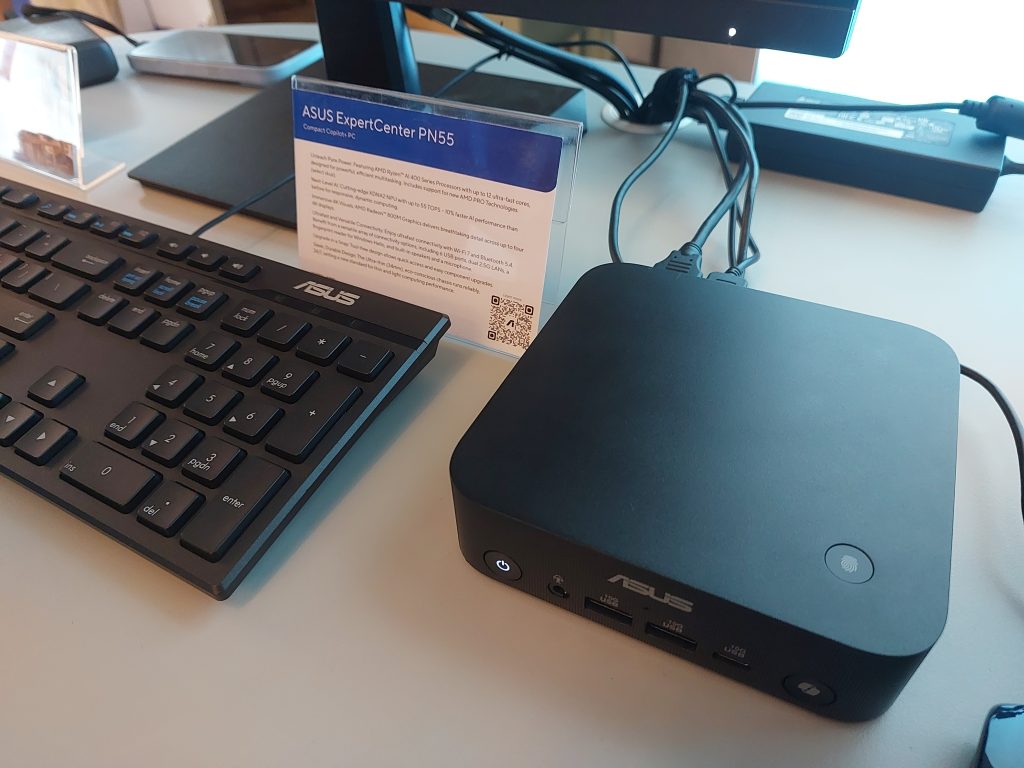
When I was finally able to peel myself off of that long conversation, I went directly to the NUCs and Mini-PCs.
These were products that I am always genuinely excited about because I’ve always been drawn to compact machines.
I’m no gamer so my priorities when it comes to desktop units are space saving, quiet, no tower eating up half a desk ones.
But, for a long time, small meant underpowered.
I had a mini PC for years and it worked just fine.
But then again, all I really did was write articles, edit some photos, did some light video editing. Nothing much that would require a lot of power.
That has completely changed.
The ASUS NUC 16 Pro Mini PC is powered by up to an Intel Core Ultra X9 Series 3 processor and delivers up to 180 TOPS to enable AI-powered machine learning, intelligent applications, and advanced analytics, all in a compact 0.7-liter chassis with WiFi 7 and Bluetooth 6.0.
0.7 liters…
That’s smaller than the water bottle in your hand.
And it’s running an Intel Core Ultra X9 with 180 platform TOPS of AI performance.
The NUC 16 Pro delivers up to 1.5X faster 3D graphics processing, 20% faster performance, and 50% less power consumption over previous-generation NUC models, with up to 96GB of onboard LPDDR5x memory, dual 2.5G LAN ports, and Zero Trust security for enterprise-grade protection.
The NUC 16 Pro can support multi-monitor setups via two HDMI 2.1 ports with DisplayPort available as an option, and features three USB 3.2 Gen2 10G ports on the front panel, plus two Thunderbolt 4 and two more USB 3.2 Gen2 10G ports at the rear.
For my home office setup… where I already run multiple monitors thanks to Zywave spoiling me… a NUC like this would clean up the entire desk situation. No tower. No bulk. Just a tiny box delivering serious computing power.
Also in the lineup is the ASUS ExpertCenter PN55 Mini PC featuring the latest AMD Ryzen AI 400 Series processors with Radeon 800M graphics and an NPU delivering 55 TOPS. A slightly more accessible option that still punches well above what you’d expect from something this small.
These are no longer toys or secondary machines.
They are now proper, full-power workstations in a form factor that doesn’t take up too much space on your desk.
The Raffle: I Won a ZenScreen MB169CK
And then the night took a turn I genuinely didn’t expect.
I won the third prize in the raffle.
Although I would have really wanted to get the first prize which was an ASUS ExpertBook Ultra… heck I would have settled for the second prize which was an ExpertBook as well but not the Ultra model… but hey… a prize is a prize is a prize.
So… the prize I won was an ASUS ZenScreen MB169CK portable monitor.
This was something I had been wanting to get for a while.
Not a random product I had no interest in.
Literally something I’d been looking at for months.
Years if I’m to be truly honest… I just didn’t have the money to buy it…
The ASUS ZenScreen MB169CK is a 15.6-inch Full HD portable anti-glare IPS display with an ultraslim design.
It features dual USB Type-C connectivity in DP Alt mode, TÜV Rheinland-certified Flicker-free and Low Blue Light technologies, and auto-rotate functionality via DisplayWidget Center software that senses orientation and switches between landscape and portrait modes.
The ZenScreen MB169CK features IPS panel technology, a 60Hz refresh rate, a 5ms GtG response time, a 1920 x 1080 Full HD native resolution, an 800:1 contrast ratio, and 250 nits brightness. It connects via one mini-HDMI port and two USB-C ports, and audio can be output via the 3.5mm headphone jack.
The user-friendly design includes an embedded tripod socket on the rear and a 360-degree kickstand for versatility in both portrait and landscape orientations.
Working for Zywave as a remote employee has completely ruined me for single-screen setups.
They gave me not one but two extra monitors for work.
Two large ones.
And now… working on just a laptop screen alone feels cramped and limiting.
The ZenScreen MB169CK solves that when I’m away from my home office.
One USB-C cable from my laptop.
Done.
Extended screen, right there with me.
I can write articles, edit in Canva, handle documents, manage content schedules… all without squinting at a single laptop panel.
Lightweight at 780 grams.
Fits in a bag.
Plug and play.
This is genuinely the portable productivity tool I’ve been missing, wanting and ASUS has given it to me without me asking.
Woohoo!
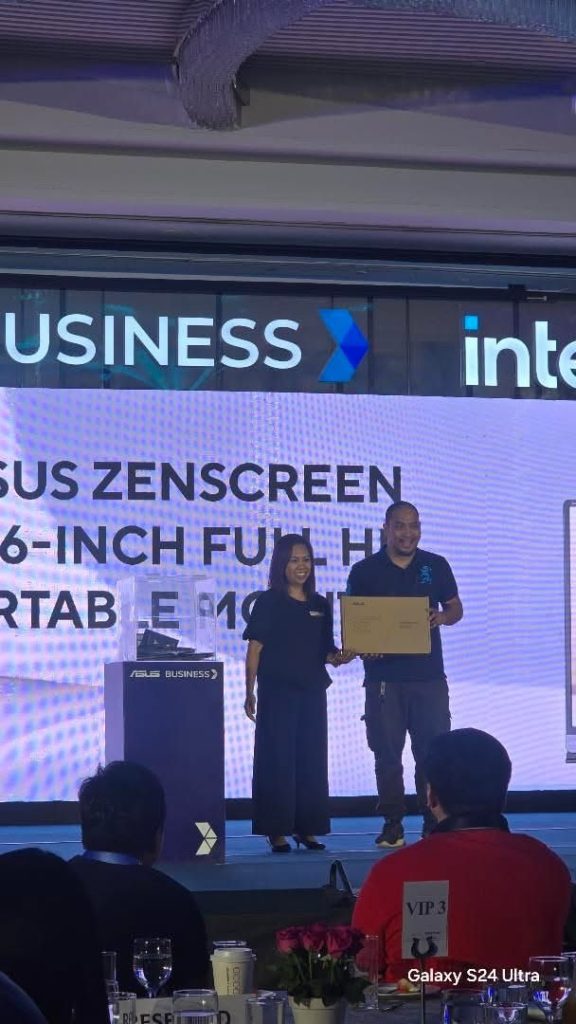
I’ll be doing an unboxing of it and I’ll post it on my YouTube channel.
Last But Not Least, Before You Go: A Travel Bag for Everyone
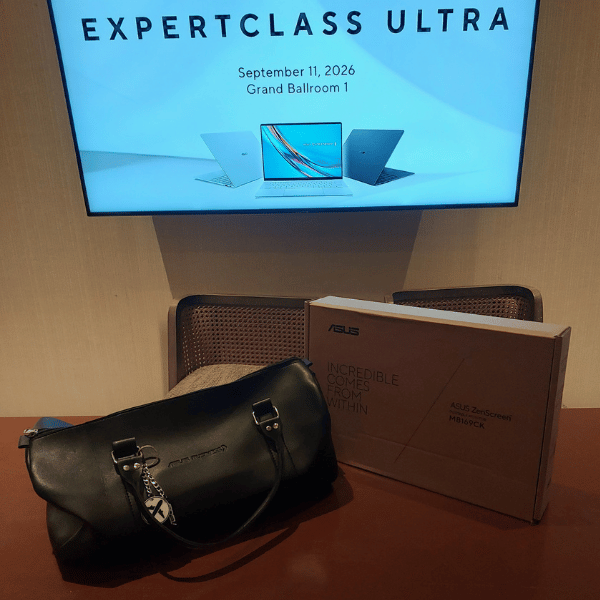
ASUS didn’t just end the night and let us leave without anything to show for it.
They sent every attendee home with a brand new ASUS Business travel bag.
It was a practical, well-made, and a thoughtful way to close an evening that was already impressive from start to finish.
Events like this remind me why I started blogging.
It picques and satisfies my curiosity.
It gives me access to products I wouldn’t otherwise encounter on a daily basis.
You get the chance to sit in a room and watch a company show you where technology is headed.
I started with an Eee PC that everyone laughed at.
I walked out of Dusit Thani that night carrying an ASUS ZenScreen and thinking about ExpertBook Ultras and medical monitors and NUCs no bigger than a lunchbox.
ASUS has come a very long way.
And I want to continue being part of their journey for a long, long, long, long, long, long time.
Want more tech info? Check out what other Davao Bloggers Society tech bloggers have to say:
#ASUSExpertBookUltra #TheFlagshipOfTheIndustry #DavaoBloggers #DBSTheBest